Day 24: Scaling Applications with Kubernetes HPA and Cluster Autoscaler
Welcome to Day 24 of the Zero to Platform Engineer in 30 Days challenge! 🚀 Today, we’re diving into autoscaling in Kubernetes, focusing on Horizontal Pod Autoscaler (HPA) and Cluster Autoscaler to efficiently manage workloads..
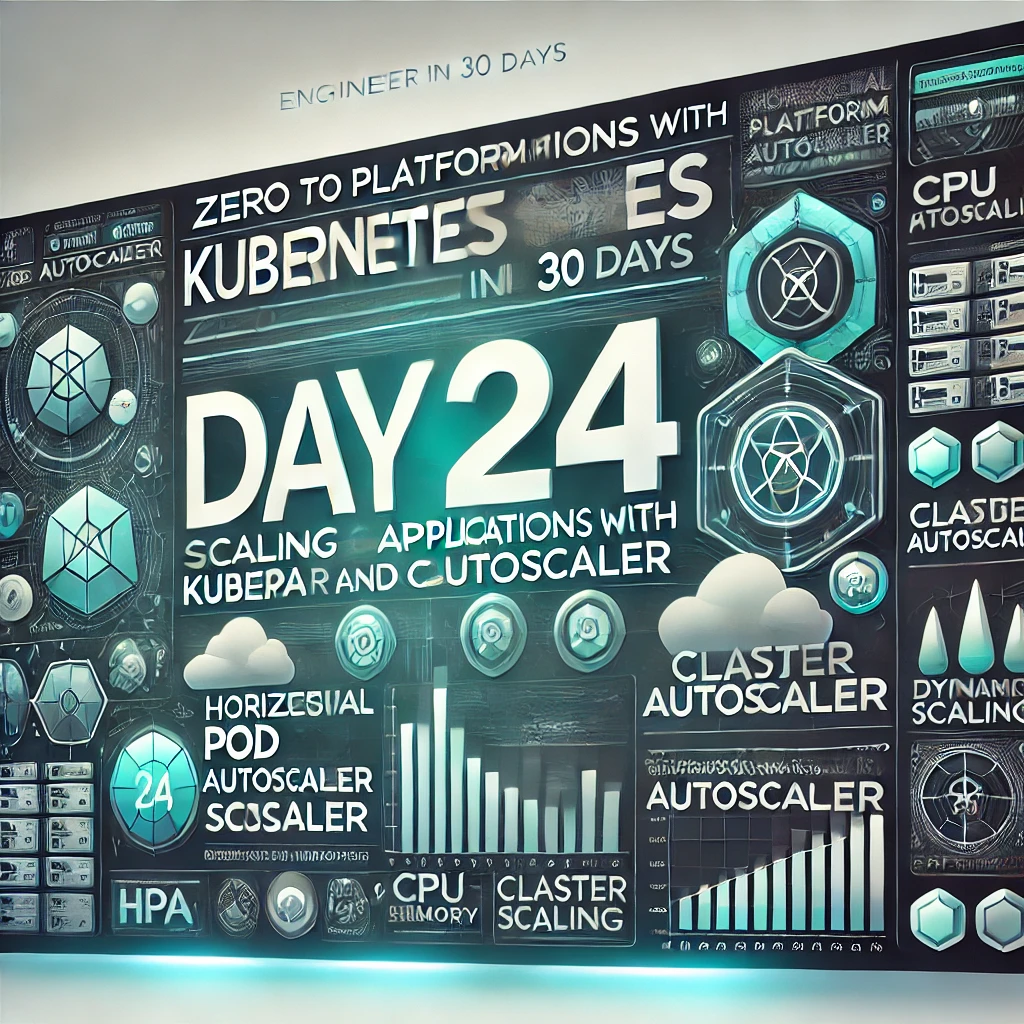
Welcome to Day 24 of the Zero to Platform Engineer in 30 Days challenge! 🚀 Today, we’re diving into autoscaling in Kubernetes, focusing on Horizontal Pod Autoscaler (HPA) and Cluster Autoscaler to efficiently manage workloads.
Why Autoscaling Matters in Kubernetes?
Autoscaling ensures that applications:
- Adapt to demand by increasing or decreasing resources dynamically.
- Improve cost efficiency by running only what’s needed.
- Maintain performance under varying loads.
Two main types of autoscaling in Kubernetes:
- HPA (Horizontal Pod Autoscaler) → Scales pods based on CPU, memory, or custom metrics.
- Cluster Autoscaler → Adjusts the number of nodes dynamically based on pod scheduling needs.
Horizontal Pod Autoscaler (HPA)
- Scales pods automatically based on CPU, memory, or custom metrics.
- Works well for applications with fluctuating workloads.
- Requires metrics-server to be installed.
Step 1: Enable Metrics Server
kubectl apply -f https://github.com/kubernetes-sigs/metrics-server/releases/latest/download/components.yamlStep 2: Deploy a Sample Application
apiVersion: apps/v1
kind: Deployment
metadata:
  name: nginx-deployment
spec:
  replicas: 1
  selector:
    matchLabels:
      app: nginx
  template:
    metadata:
      labels:
        app: nginx
    spec:
      containers:
      - name: nginx
        image: nginx
        resources:
          requests:
            cpu: "100m`
          limits:
            cpu: "200m"
kubectl apply -f deployment.yamlStep 3: Create an HPA for the Deployment
kubectl autoscale deployment nginx-deployment --cpu-percent=50 --min=1 --max=10Step 4: Check HPA Status
kubectl get hpa💡 HPA will increase/decrease pods based on CPU usage automatically.
Cluster Autoscaler
- Scales nodes up/down when pods can’t be scheduled due to resource constraints.
- Works with cloud providers like AWS, GCP, and Azure.
Step 1: Deploy Cluster Autoscaler on AWS EKS
helm repo add autoscaler https://kubernetes.github.io/autoscaler
helm repo update
helm install cluster-autoscaler autoscaler/cluster-autoscaler \
  --namespace kube-system \
  --set autoDiscovery.clusterName=my-cluster \
  --set awsRegion=us-west-2
Step 2: Verify Cluster Autoscaler
kubectl logs -f deployment/cluster-autoscaler -n kube-system💡 Cluster Autoscaler ensures that Kubernetes adds/removes nodes as needed.
Activity for Today
- Deploy HPA for a sample application.
- Enable Cluster Autoscaler and scale up/down nodes.
- Test autoscaling by generating load on your application.
What’s Next?
Tomorrow, we’ll explore safe deployments using Canary Releases and Feature Flags.
👉 Check it out here: Zero to Platform Engineer Repository
Feel free to clone the repo, experiment with the code, and even contribute if you’d like! 🚀
Follow the Series!
🎉 Don’t miss a single step in your journey to becoming a Platform Engineer! 🎉
This post is just the beginning. Here’s what we’ve covered so far and what’s coming up next:
- Day 0: Introduction - What’s Platform Engineering?
- Day 1: Introduction to the CNCF Landscape
- Day 2: Day 2: Containers and Docker - The Building Blocks of Cloud Native
- Day 3: Containers and Kubernetes - The Building Blocks of Cloud Native
- Day 4: Deployments and Scaling in Kubernetes - Let’s Get Practical
- Day 5: Kubernetes Services – Connecting Your Applications
- Day 6: ConfigMaps and Secrets – Managing Configurations in Kubernetes
- Day 7: Recap and Hands-On Challenges for Week 1
- Day 8: Introduction to Infrastructure as Code (IaC)
- Day 9: Advanced Terraform – Managing Kubernetes Resources
- Day 10: Managing Kubernetes with Helm and Terraform
- Day 11: Introduction to GitOps with ArgoCD
- Day 12: Advanced GitOps with Argo Rollouts
👉 Bookmark this blog and check back every day for new posts in the series. 📣 Share your progress on social media with the hashtag #ZeroToPlatformEngineer to connect with other readers!